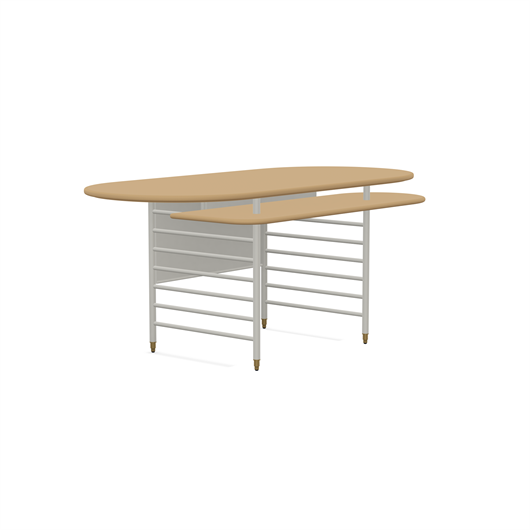
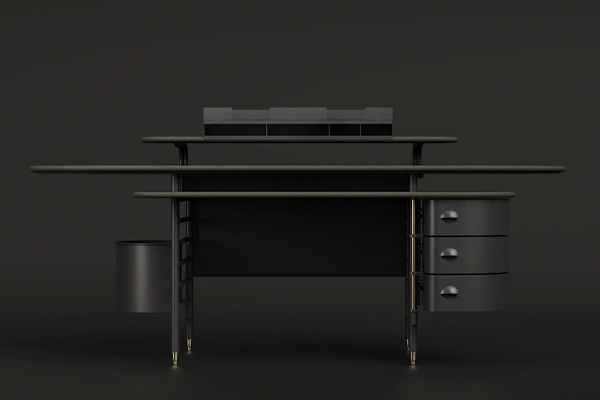
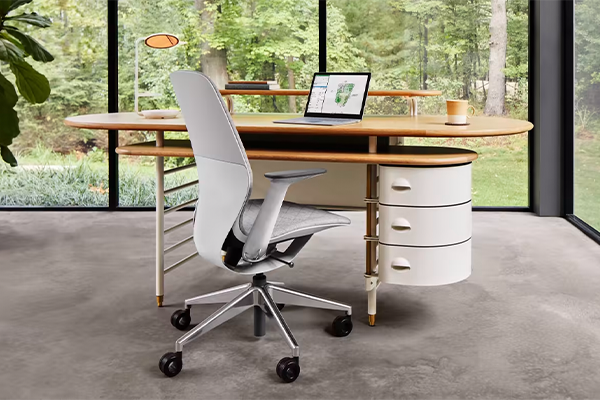
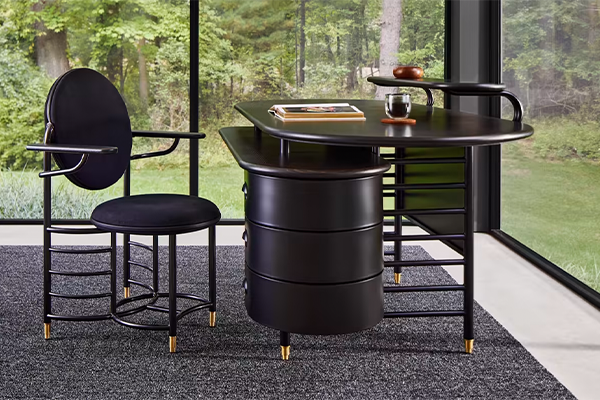
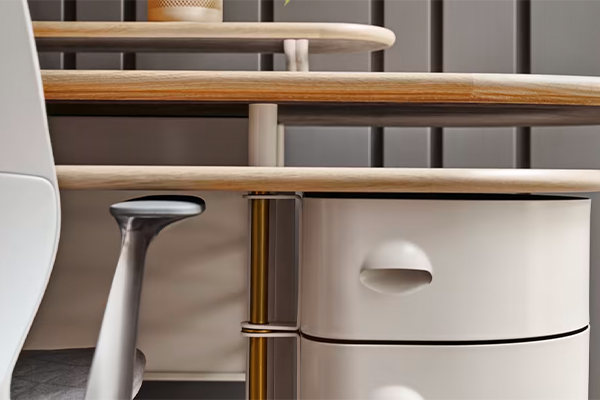
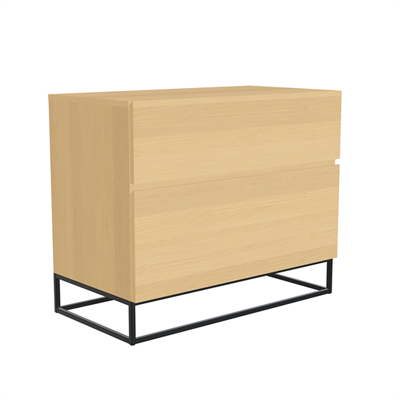
The modern translation of the Racine Desk brings forward all of the design elements of the famed original desk, with carefully curated variations in size, finish and features to provide broader options for people. Celebrate a timeless piece of design history with timely choices to make it your own.
WARNING:
This product can expose you to lead and lead compounds, which are known to the State of California to cause cancer and birth defects or other reproductive harm. For more information, go to Www.P65Warnings.Ca.Gov/Furniture
-
How can you adjust the height of Solo?
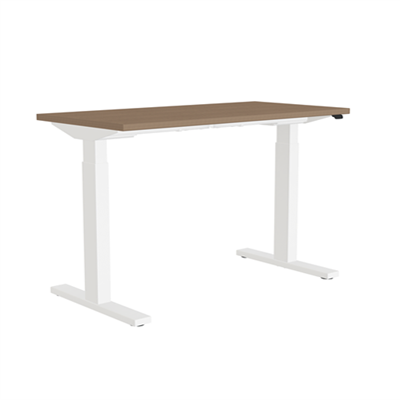
Solo is adjustable through the innovative Simple Touch controller, an electronic adjustment paddle that allows you to more easily adjust your Solo desk to standing or sitting heights as needed through the day. With the press of one paddle switch, Solo can be adjusted anywhere from 22.6” - 48.7” in height to allow standing or sitting work.
-
What tools are required to assemble Solo?
The only tools needed when assembling Solo are a common screwdriver, in order to drive two screws in when installing the Simple Touch controller. Otherwise, the rest of the assembly steps can be completed simply by snapping the pieces together by hand. Refer to the included instructions for further details.
-
Can Solo detect obstructions when changing height?
Solo offers obstruction sensing safety sensors, similar to the ones found on Migration, that can help reduce the risk of accidents or injury while using Solo. If Solo comes into contact with an object while changing height, it will backtrack to relieve the collision.
-
How does the Simple Touch controller work?
Simple Touch offers quick adjustments to the overall height of Solo, allowing you to raise or lower your desk effortlessly without taking your eyes off your work. Solo’s electronic motor offers smooth, quiet, reliable adjustment of your desk anywhere between 22.6" - 48.7", through the use of one paddle.
-
What are the seated and standing heights of the Solo desk?
Solo adjusts from a sitting height of 22.6” - 48.7” when Simple Touch is activated.